

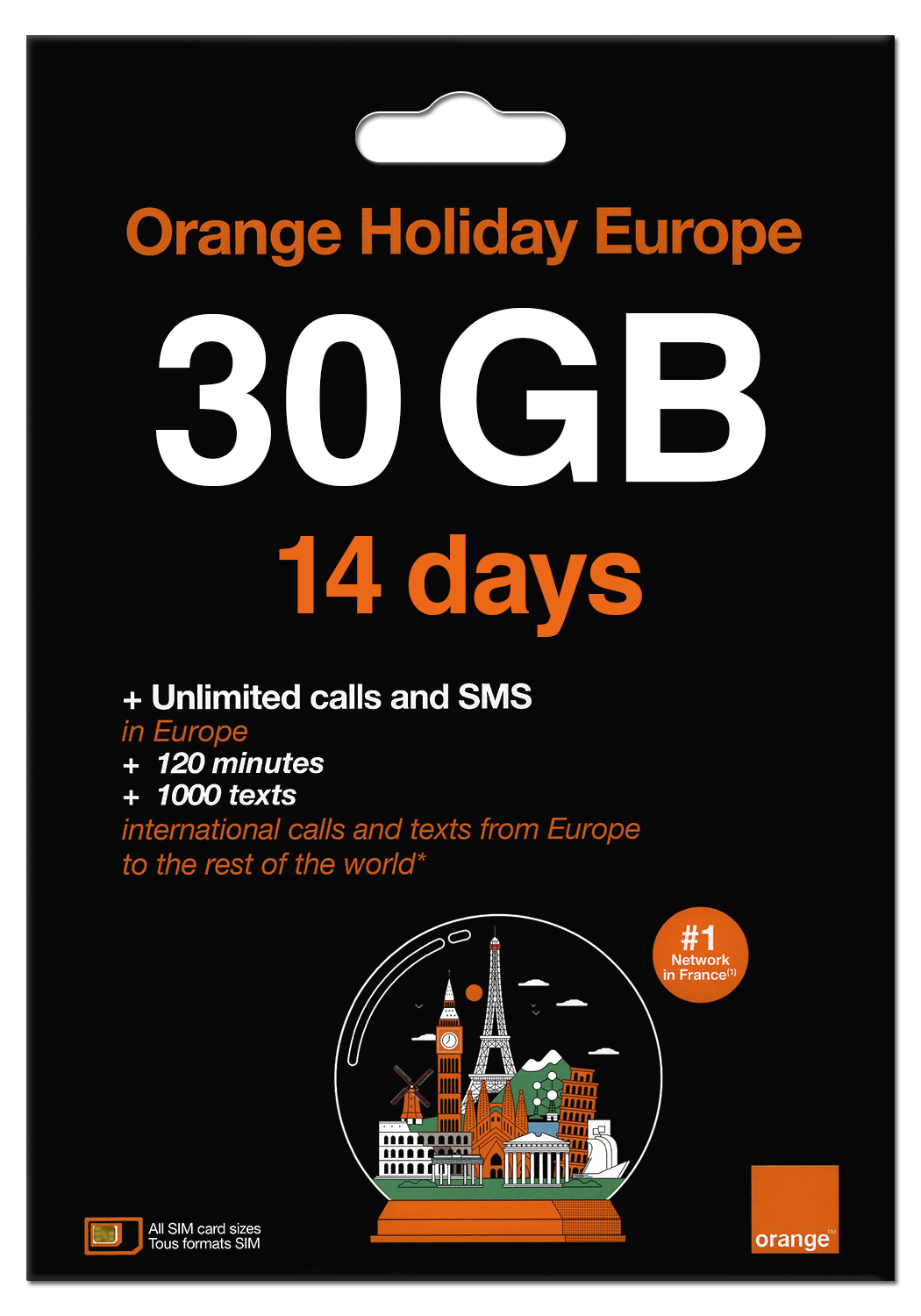
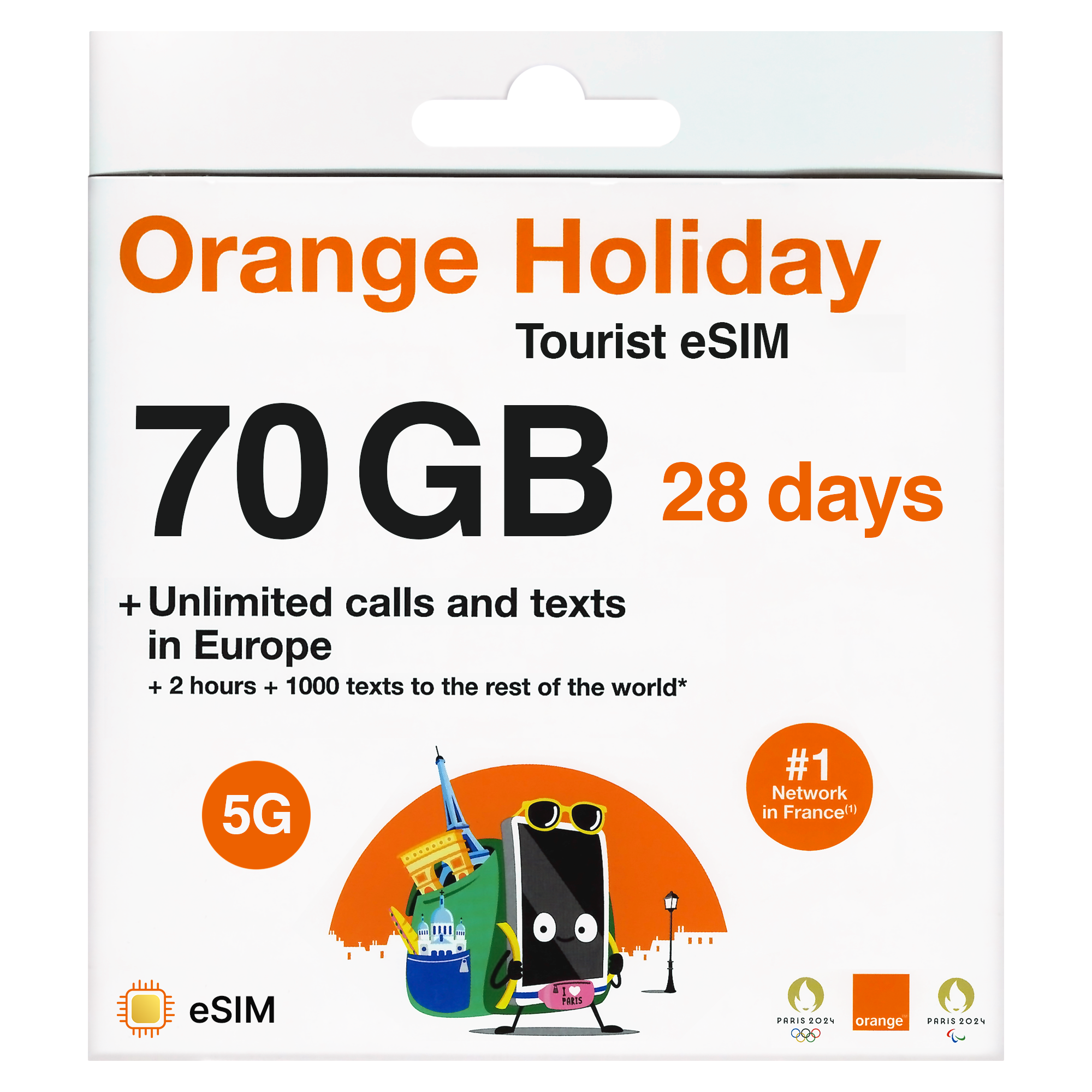
- QRコードはEメールで送信
- iPhone 12+やAndroid 2021+などのeSIM対応端末が必要
- eSIMはヨーロッパでのみ利用可能
ヘルプデスク
担当者が直接対応。迅速なサポート。公正な返金。
メール:services tsim.mobi
InstaChat:https://www.tsim.mobi/chat
電話:+1 646 918 1335 / +44 203 773 2460。
未使用のプランは返金対象です。
eSIMとは?
eSIMとは、「embedded(埋め込み型)」SIMのことで、QRコードをスキャンするか通知をタップすることで、お使いのスマートフォンにインストールされます。海外旅行の際に、新しいモバイルデータサービスを簡単に利用できる方法です。
eSIMのメリット
- 使いやすい:QRコードをスキャンするか、通知をタップするだけでプランを設定できます。
- 配送コストを節約: 物理的な配送は不要です
- 時間を節約:お急ぎで旅行の準備をしていますか? eSIMのQRコードをメールでお送りします。案内に従ってスキャンすれば、到着後すぐにご利用いただけます。
- 元のSIMカードはそのまま使えます: eSIMは元のSIMカードに追加して利用するもので、必要な場合は元のSIMカードも通常どおりご利用いただけます。
eSIMのデメリット
- 不慣れ:新しい技術のため、多少は学びながら使うことになります。
- eSIM対応機種: eSIMは、eSIM対応機種でのみご利用いただけます。一般的には、iPhone 11および2021年以降のAndroidモデルがeSIMに対応しています。
- 1回限りのご利用: ほとんどのeSIMコードは1回のみご利用いただけます。お使いのスマートフォンで作成されたeSIMは、スマートフォンまたは他のいかなる端末でも再作成できないため、削除しないでください。ただし、必要ない場合は設定からeSIMを無効化することができます。
- eSIMの移行:一度インストールすると、eSIMを1台のスマートフォンから別のスマートフォンへ移行することはできません。ただし、一部の米国向けeSIMは、1台のiPhoneから別のiPhoneへ移行できます。
お使いのスマートフォンがeSIMに対応しているか確認する
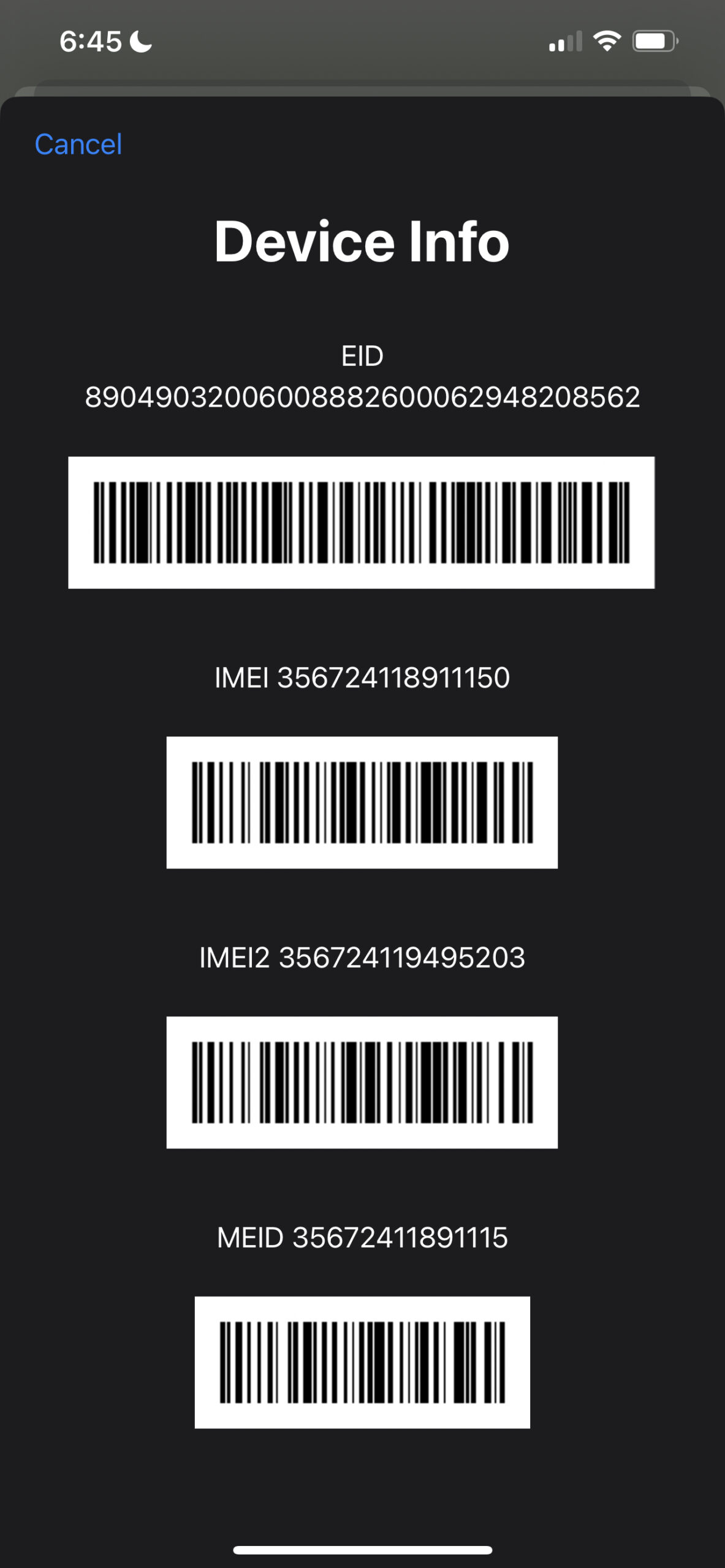
*#06# をダイヤルしてください。EID番号のポップアップが表示されれば、お使いの端末はeSIMに対応しています。
eSIMのインストール方法
InstaSIMでeSIMをインストールする
eSIMは、TSIM InstaSIMアプリを使って簡単に受け取り、タップしてインストールできます。アプリをダウンロードし、ご注文時に登録した電話番号でログインしてください。
InstaSIMアプリをダウンロード
TSIMのInstaSIMアプリを使えば、eSIMの取得、タップによるインストール、サポートの利用、データ専用SIMでも発信通話などが利用できます。

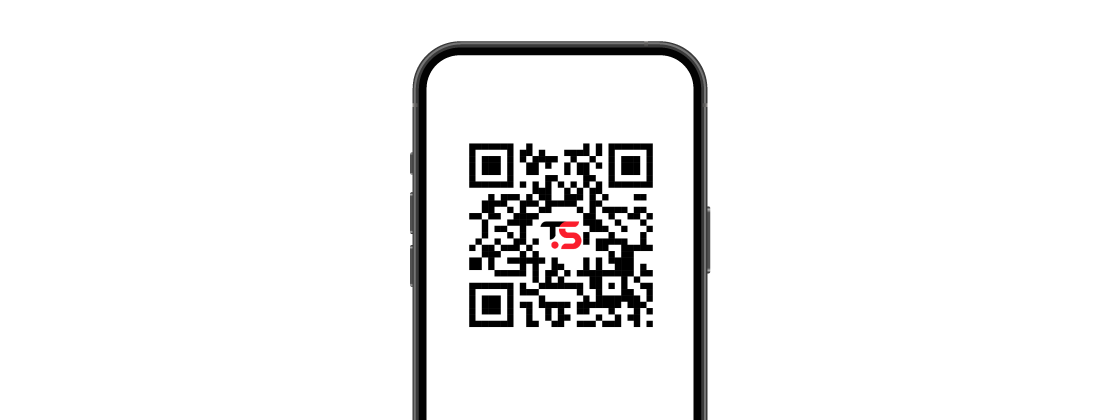
メールで送信されたインストールリンクをタップしてeSIMをインストールする
eSIMは、カスタマーサポートからメールでお送りするインストールリンクをタップするだけで、簡単にインストールできます。インストールリンクは、eSIMをインストールする端末でタップする必要があります。eSIMをインストールするには、インターネット接続が必要です。
eMailで送信されたQRコードを使ったeSIMのインストール
ほとんどのeSIMは、メールで送信されるQRコードを使ってインストールできます。eSIMをインストールする予定のスマートフォンのカメラをQRコードに向け、表示されたリンクをタップしてください。まれに、カメラで直接スキャンしてもスマートフォンでインストールが開始されない場合があります。その場合は、以下の手順に従ってください。
iPhone XR、XS以降のモデル
- 「設定」を開き、次に「モバイル通信」を選択します。
- [プランを追加]を選択すると、カメラアプリが開きます。
- 「セルラープランをインストール中です」というメッセージが表示されるまで、カメラをQR有効化コードに向けてください。
2021年以降のAndroid
- [設定] > [接続] > [SIMカードマネージャー] に移動します
- 「モバイルプランを追加」をタップ
- 「QRコードを使用して追加」をタップします
- QR有効化コードをスキャンしてください
通信事業者からの通知を使ってeSIMをインストールする
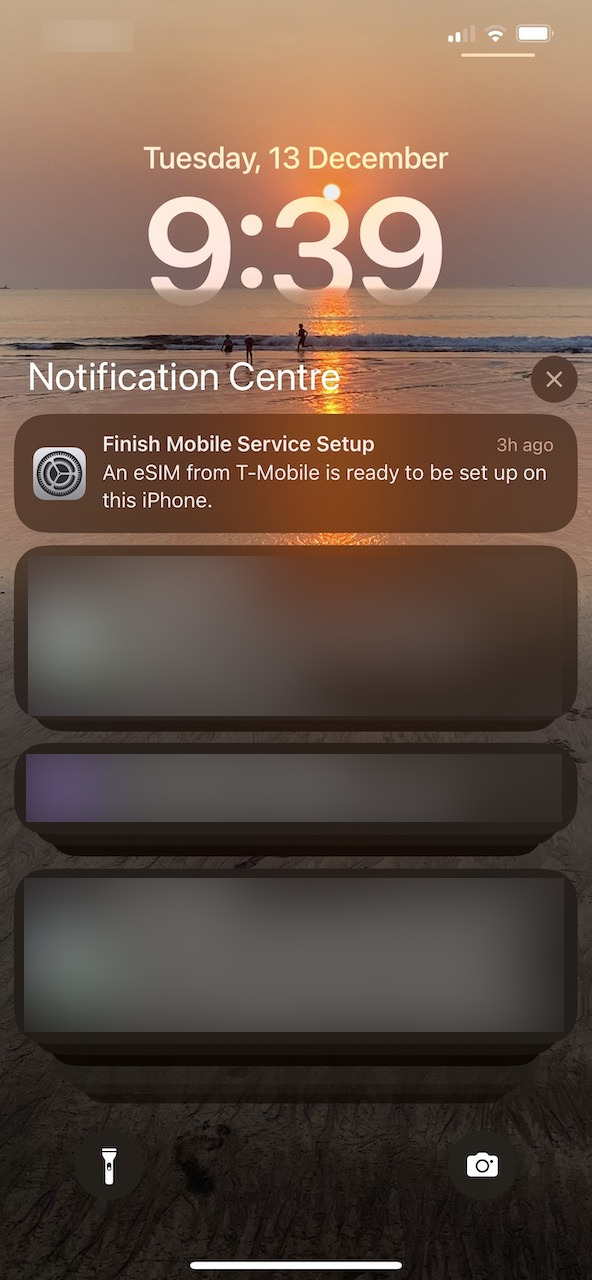
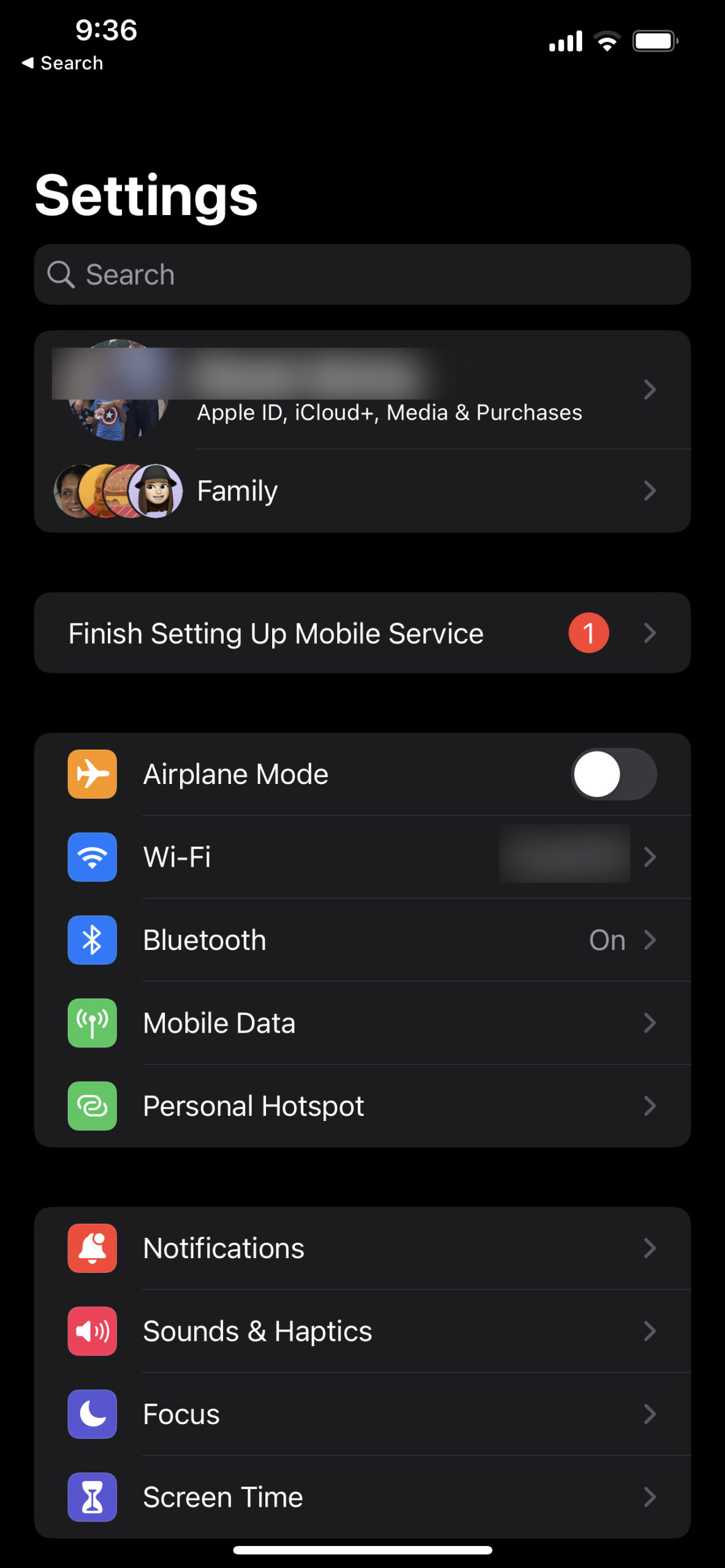
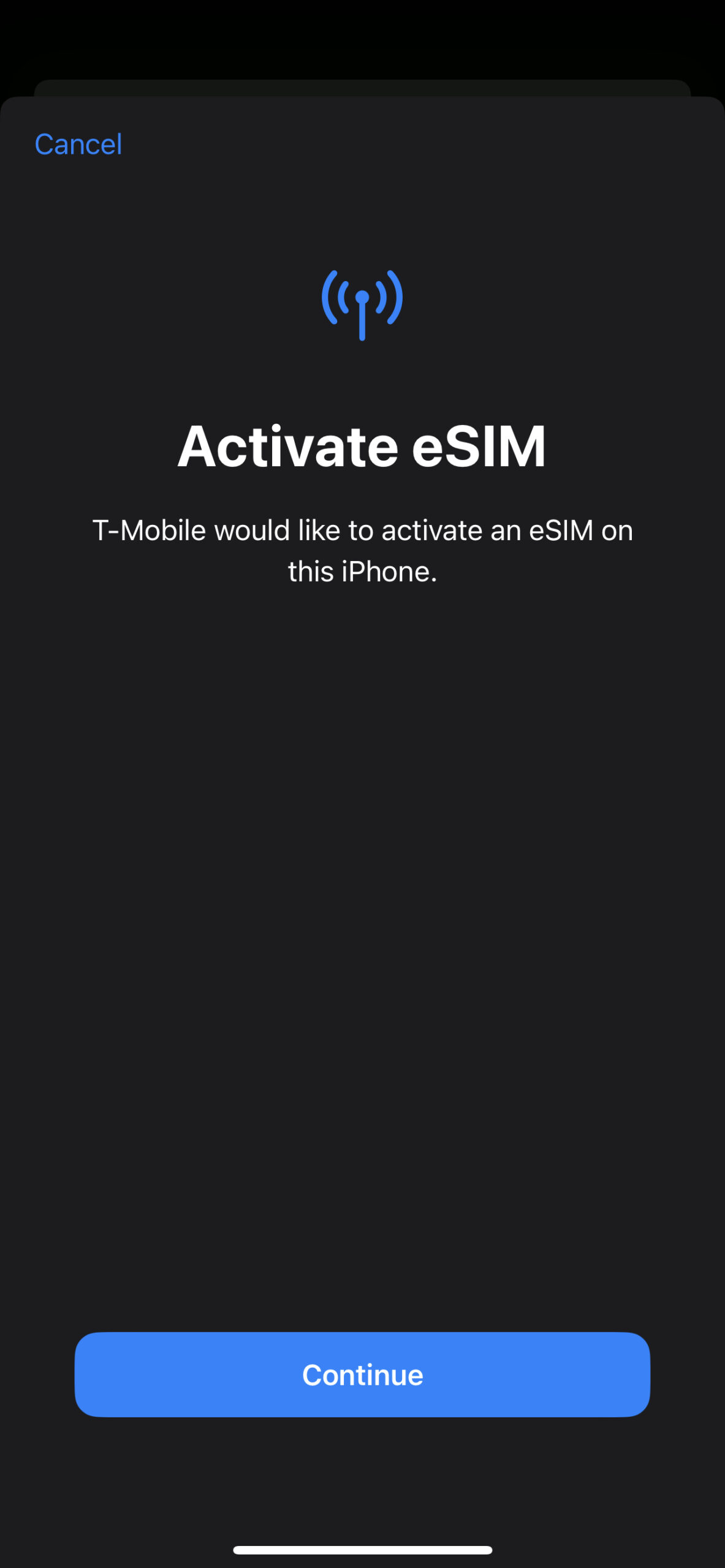
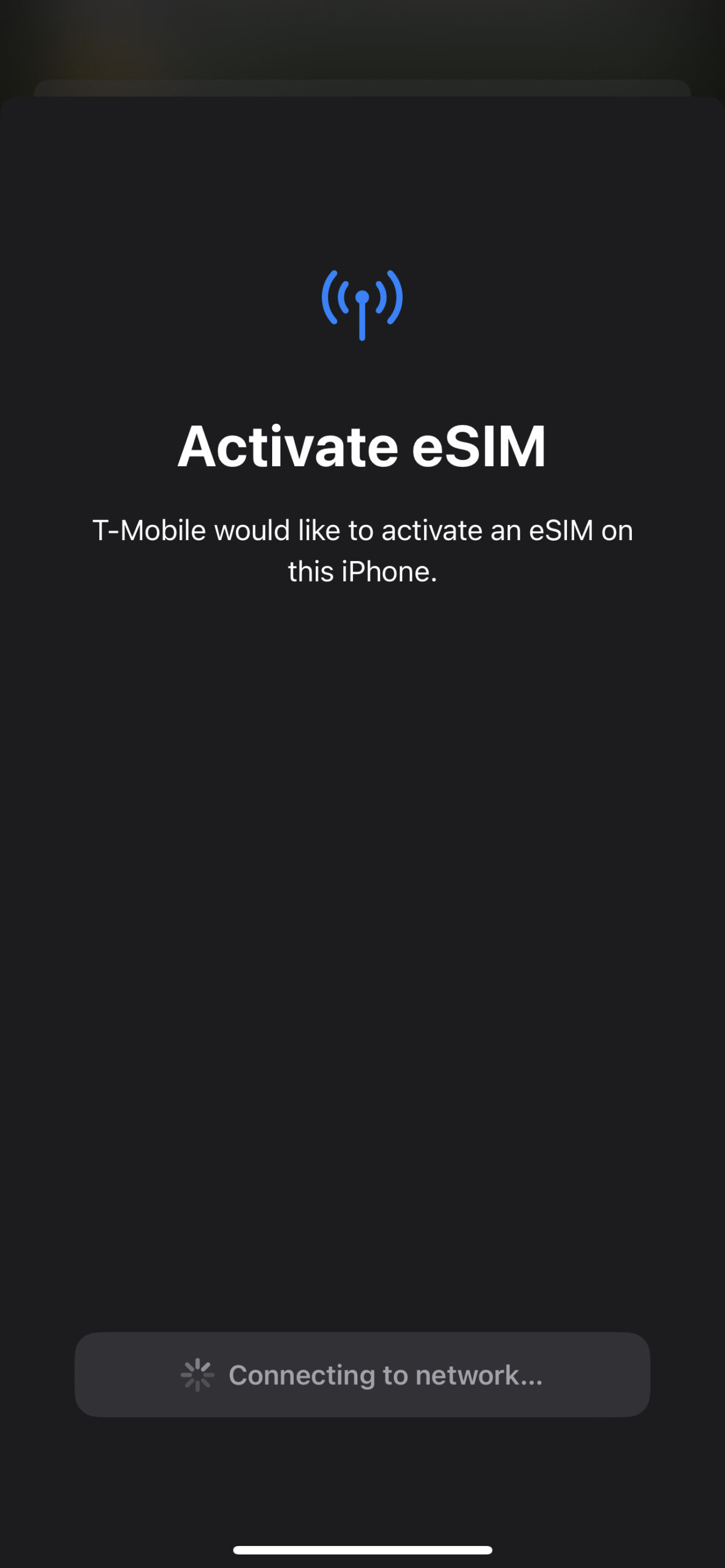
T-mobile、AT&T、および一部のその他の通信事業者では、eSIMのインストールがさらに簡単です。お客様が選択した有効化日に、通知が直接お使いのスマートフォンに送信されます。通知をタップし、以下の画像のとおりに手順に従ってください。この通知は、*#06# をダイヤルしてEID番号とIMEI番号をご提供いただいた、ご旅行中に使用予定のスマートフォンに送信されます。IMEI番号とEID番号が必要な理由はこちらをご覧ください。






Grant A Larsen (承認) –
Variation: 30 Day 20GB + Voice
We purchased a couple of Europe Voice eSIM 48 Country – 30 Day 20GB + Voice. We did not use voice, only data and texting. They both worked well for us, but we almost had a serious problem. I understood from the information provided that the day counter would not start until we arrived in Europe and connected the first time. I installed one of the eSIMs a week before we left home and the eSIM almost expired before our holiday ended. Clearer instructions would be nice.
Services TSIM –
The day counter should not start before you arrive in Europe. We have contacted the Operator to understand how this could have happened in your case. We are sorry for your experience and thank you for your balanced review.
Shell Barr (承認) –
Variation: 30 Day 20GB + Voice
Ordered eSIM. Received confirmation same day. Set up and once we arrived in each Euro city including airports we received a “Welcome”. eSIM worked as advertised. Will continue to use TSim!! S. B.
Shell (承認) –
Variation: 30 Day 20GB + Voice
Ordered eSIM. Received confirmation same day. Set up and once we arrived in each Euro city including airports we received a “Welcome”. eSIM worked as advertised. Set up was easy. At each point of entry including airports I received a “welcome” email from TSIM. Esim worked flawlessly in my iphone SE (2nd gen). Will continue to use TSim!! S. B.
Services TSIM –
Thank you for your kind review and for mentioning which phone you used.
Robert Buckles (承認) –
Variation: 30 Day 20GB + Voice
TSIM was very easy to order and install. Help desk responded quickly to explain my problem.
Services TSIM –
Thank you for your kind review.
Jack Antonas (承認) –
Variation: 30 Day 12GB + Voice
Very good
Services TSIM –
Thank you
Alexandre (承認) –
Variation: 30 Day 12GB + Voice
Excellent service. Received the email with the QR code scanned it and it was set up automatically. When arrived in Greece 3 weeks later I switched the eSIM to active and the service was connected in less than 20 seconds. The service is great and I enjoy it. Definitely I recommend it.
Services TSIM –
Thank you for your kind review.
Ken Juell (承認) –
Variation: 30 Day 12GB + Voice
Basically does exactly what it should. We got enough data to keep from getting lost and enough voice and texts to keep in touch. There are a few confusing things about registering the eSim but we ended up ignoring that because it wasn’t mandatory before a month. For the price, this is excellent value and vastly beats US phone plans’ daily roaming costs.
Services TSIM –
Thank you for your kind review. It is true the operator Orange sends confusing messages which you did well to ignore. As you said, no registration is required for the first month of service.
Claude Blanchet (承認) –
Variation: 30 Day 12GB + Voice
I installed the eSim purchased from TSIM before departure as indicated and everything seemed normal and as planned. During my flight, I activated the airplane mode on my phone. When I switched it off at the destination (Iceland) and tried to activate the eSim, the eSim was no longer available on my phone. An expired eSim used a few years back was the only available option in my phone and obviously, it wouldn’t work. I communicated with TSIM multiple times in order to get a new link for the installation and have been told that it was a one-shot deal. Therefore, I have not been able to use the pre-purchased eSim during my trip. I was very disappointed.
Services TSIM –
We have been in touch with the operator about this case. We suspect the new eSIM was deleted instead of the old one on your phone. We are sorry we could not get the SIM to work for you and thank you for taking the time to record your experience.
C Impens (承認) –
Variation: 30 Day 30GB + Voice
30 day, 30 GB eSIM worked great
This is the 4th time I’ve used TSIM for the Orange Holiday Zen Sim but the 1st time using eSIM. We are very satisfied with the product. The only trouble is that you need a wifi connection to install it. Unlike the physical SIM I’ve used before. There was no wifi when I arrived so I had to wait until we arrived at the hotel. During that time it was lucky our driver was waiting for us. I couldn’t install it befor leaving since it may have exceeded the 30 days. On the next trip of less than 30 days I will give it a try.
Data, phone and text all worked perfectly in France, Belgium, Netherlands, Germany, and Switzerland.
Services TSIM –
Thank you for your kind review and for specifying the countries in which it worked.